Cosmos
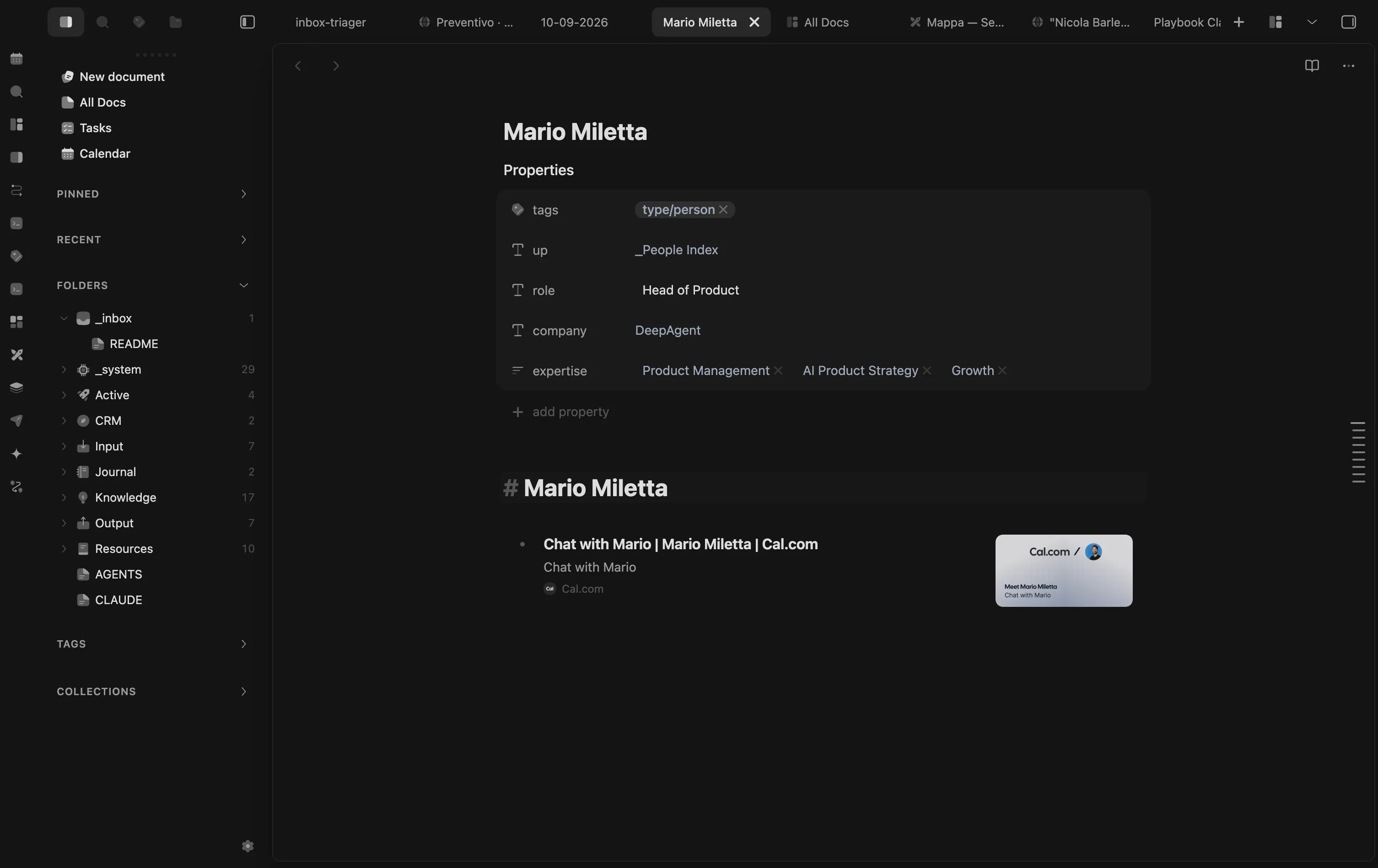
The theme that makes Obsidian and the whole suite feel like one app.
What you get
- Six layouts, from clean to full glass
- Six palettes, dark and light, for any layout
- Optional phone edition, off by default
- Makes every plugin here look like one app
Install
Not in the Community Themes store yet. Pick one:
Ask a coding agent. The easiest way. Paste this into Claude Code or Codex:
Install the Obsidian theme from https://github.com/mariomile/obsidian-cosmos-theme into my vault (.obsidian/themes/Cosmos).Or use BRAT. Install BRAT, choose “Add beta theme”, paste:
mariomile/obsidian-cosmos-themeInstall by hand
Download theme.css and manifest.json from the latest release, put them in .obsidian/themes/Cosmos, then enable it under Community themes.